Professional header size helper

LinkedIn Banner Aspect Ratio Helper

LinkedIn banners are very wide, so they need simple composition and safe spacing. Use this helper to calculate proportional dimensions.

4:1

Live preview follows the selected ratio.

Calculator

Calculate The Missing Dimension

Choose a ratio, enter width or height, and the calculator fills the matching dimension while keeping the image or video proportional.

Simplified ratio 4:1
Decimal 4.0000
Current size 480 x 120

Common LinkedIn Banner Aspect Ratio Sizes

Use these sizes as starting points. Exact platform requirements can change, so treat the calculator as the proportional reference and check the final upload screen before publishing.

Use case Pixel size Ratio
Profile background 1584 x 396 4:1
Company cover 1128 x 191 1128:191
Wide master 2400 x 600 4:1
Post image 1200 x 627 1.91:1

Generated Size Table

The table below updates when you choose a new ratio. It is useful for planning responsive images, thumbnails, and video exports.

Width Matching height Size

Practical Tips

Avoid long small text in the banner.

Keep important information away from the lower-left profile image area.

Use a clean high-contrast background.

Visual Ratio Reference

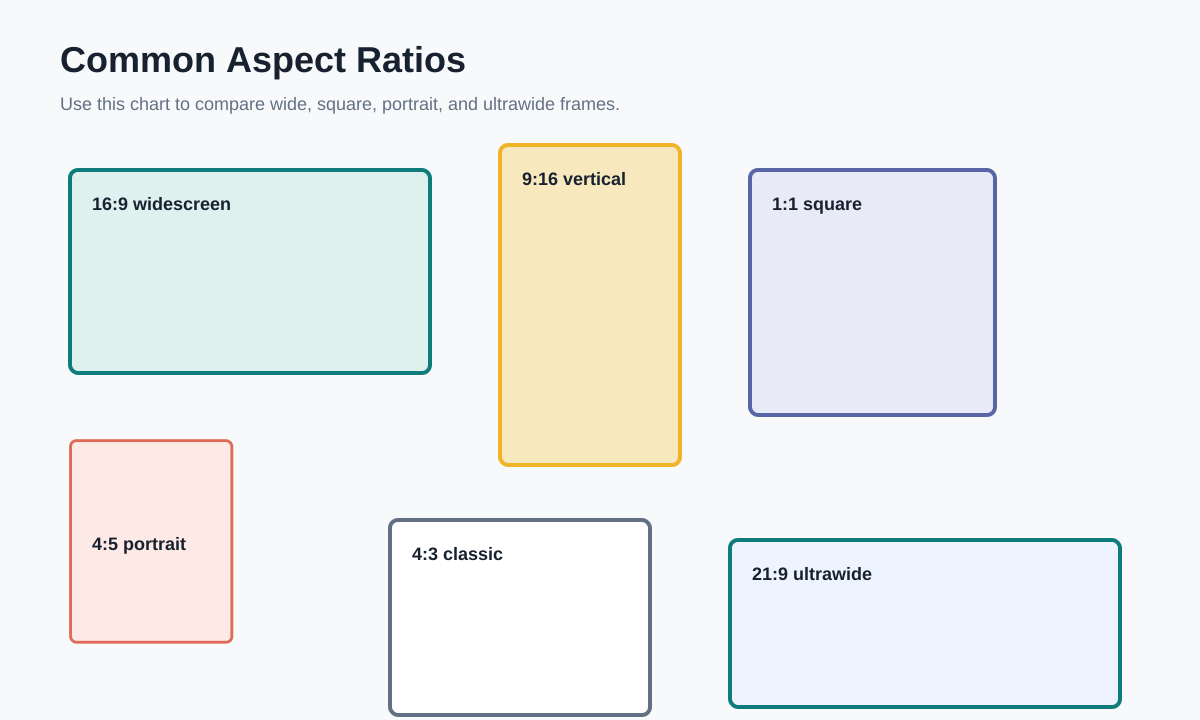
This reference chart shows how common frames compare. Use it when deciding whether a creative should be wide, square, portrait, or ultrawide.

Comparison chart for common aspect ratios including 16:9, 9:16, 1:1, 4:5, and 21:9