Wide cover image calculator

Facebook Cover Aspect Ratio Helper

Facebook cover images are wide and shallow, so a normal photo crop often cuts too much from the top and bottom. Use this page to plan a cover-safe frame.

820:312

Live preview follows the selected ratio.

Calculator

Calculate The Missing Dimension

Choose a ratio, enter width or height, and the calculator fills the matching dimension while keeping the image or video proportional.

Simplified ratio 820:312
Decimal 2.6282
Current size 98400 x 37440

Common Facebook Cover Aspect Ratio Sizes

Use these sizes as starting points. Exact platform requirements can change, so treat the calculator as the proportional reference and check the final upload screen before publishing.

Use case Pixel size Ratio
Classic page cover 820 x 312 205:78
High-res cover master 1640 x 624 205:78
Square backup crop 1080 x 1080 1:1
Wide campaign banner 1920 x 730 192:73

Generated Size Table

The table below updates when you choose a new ratio. It is useful for planning responsive images, thumbnails, and video exports.

Width Matching height Size

Practical Tips

Keep logos and faces away from the far edges.

Design a higher-resolution master for cleaner compression.

Preview on both desktop and mobile layouts.

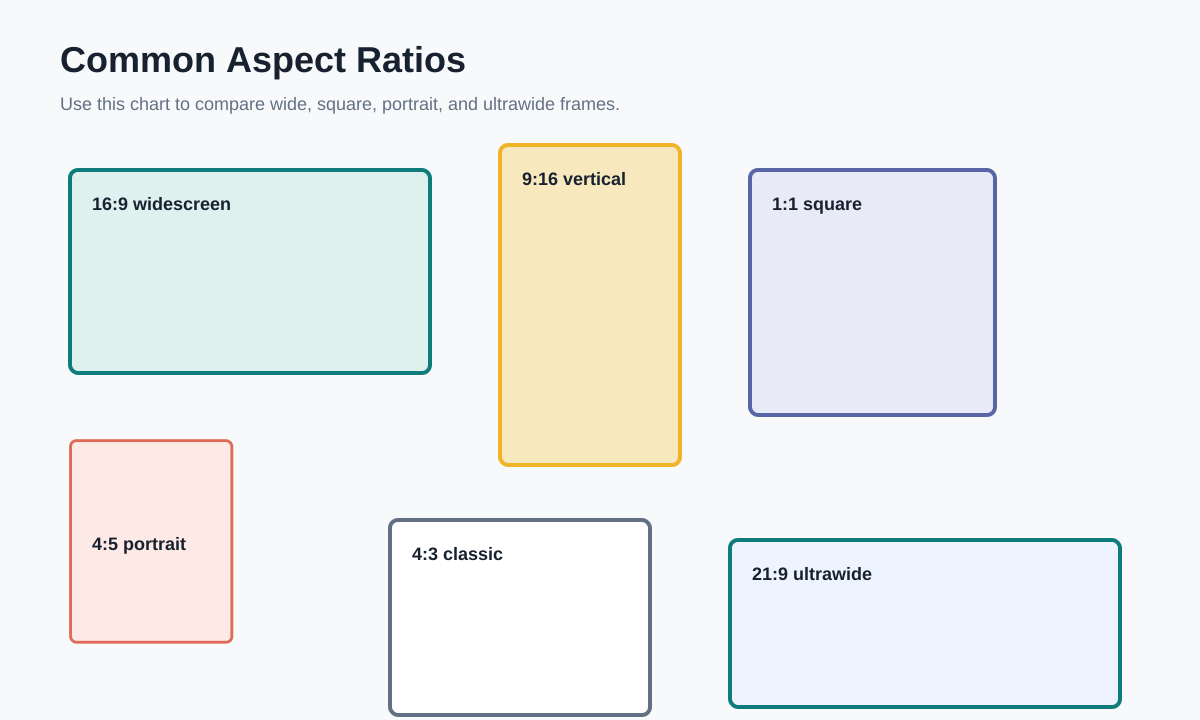
Visual Ratio Reference

This reference chart shows how common frames compare. Use it when deciding whether a creative should be wide, square, portrait, or ultrawide.

Comparison chart for common aspect ratios including 16:9, 9:16, 1:1, 4:5, and 21:9